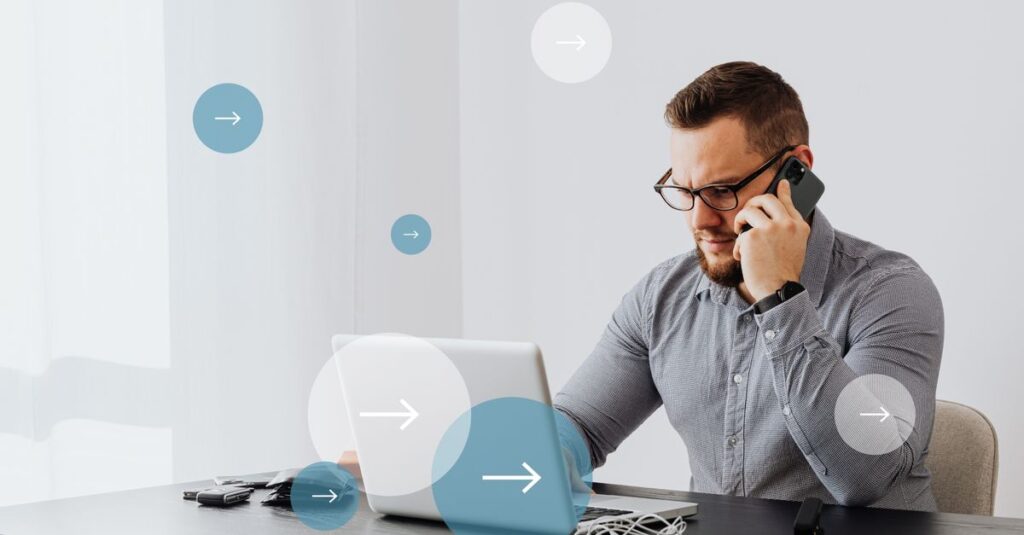
A front-desk call that goes unanswered, a transfer that lands in the wrong place, or a sales rep who cannot see customer history can cost far more than a phone. The right VoIP desk phones for office teams turn routine conversations into organized, trackable work – while giving employees a dependable device at their desk.
For many businesses, the question is not whether to keep desk phones. It is how to make them work alongside mobile apps, team messaging, CRM records, video meetings, and AI-assisted call handling. A well-planned cloud phone setup gives each employee a familiar physical phone without trapping the organization in an inflexible, hardware-first system.
Why desk phones still earn their place in the office
A desk phone is not a relic when it is part of a modern communications platform. For reception teams, customer service departments, medical offices, legal firms, and busy sales floors, a dedicated device makes answering and transferring calls fast and consistent. Employees do not need to unlock a personal phone, find an app, or worry about a dropped cellular signal when a customer needs help.
Physical buttons also matter. Busy users can see presence indicators, answer a ringing line, park a call, or transfer it with fewer steps. That is especially useful when one employee manages multiple calls at once or supports callers who expect a live response.
The trade-off is clear: a desk phone should add convenience, not create another disconnected channel. If call activity remains isolated from your CRM, support queue, mobile team members, and voicemail workflow, the device only solves part of the problem. The strongest setup treats the phone as one endpoint in a shared communications system.
What to look for in VoIP desk phones for office teams
Start with how people actually handle calls, not with a device catalog. A three-person professional office has different needs than a multi-location customer service team, even if both need clear call quality and reliable transfers.
Audio quality and everyday usability
HD voice quality, effective noise reduction, a clear display, and an intuitive button layout have a direct effect on employee and customer experience. In a noisy reception area or open office, headset compatibility is equally important. The person answering calls should be able to hear clearly without asking customers to repeat themselves.
Screen size depends on the role. A basic model may be enough for an employee who makes occasional calls. A receptionist, executive assistant, dispatcher, or sales manager often benefits from a larger color display and programmable keys for extensions, queues, and call parking.
The right number of lines and programmable keys
Do not confuse phone lines with employee headcount. A user may need access to a direct number, a main business line, a shared call queue, and monitored extensions. Programmable keys let the team see whether key colleagues are available and route calls quickly.
More keys are valuable when call flow is complex. They are unnecessary for every employee, though. Over-equipping occasional users increases cost and can make simple tasks harder. Match the model to the job rather than standardizing on the most advanced device for everyone.
Power, connectivity, and network readiness
Most business VoIP phones connect through Ethernet. Power over Ethernet, or PoE, allows one network cable to provide both connectivity and power, reducing desk clutter and simplifying installation. If PoE is not available, phones can use individual power adapters, but that adds outlets and equipment to manage.
Wi-Fi desk phones can be useful where cabling is difficult, but wired connections are generally the better choice for fixed office workstations. They offer more consistent performance and are easier for IT teams to troubleshoot. Before deployment, confirm that your network, switches, firewall settings, and internet connection can support call traffic during peak periods.
Security and administration
A business phone system should support encrypted calling, secure user access, and centralized device management. IT teams need the ability to add users, update settings, replace a phone, and change call-routing rules without visiting every desk.
This becomes more important as teams grow or move between offices. Central management reduces configuration errors and helps maintain a consistent experience across locations. For organizations with compliance responsibilities, it also supports clearer controls around recordings, access, and retention policies.
Build the phone experience around call flow
The best desk phone is only as effective as the call flow behind it. Before selecting hardware, map what happens when a customer calls the main number. Who answers first? What happens after hours? Which calls should reach sales, support, billing, or a specific location? When should a caller be offered voicemail, a callback, or an AI Receptionist?
A practical setup often combines a main auto attendant with call queues for departments and direct extensions for employees. Reception teams can use monitored keys to see availability. Remote staff can take the same business calls on a desktop or mobile app. Managers can review call activity without relying on informal reports.
For example, a growing Los Angeles property management company may want leasing calls routed to the next available agent, maintenance calls sent to an urgent queue, and vendor calls directed to operations. The phones at the front desk and office workstations should reflect that process with clearly labeled keys. The technology should make the workflow easier to follow, not force staff to memorize complicated instructions.
Keep desk phones connected to customer context
A phone call should not begin with employees asking for information the business already has. CRM integrations can display customer details, log activity, and help teams document the outcome of a conversation while it is still fresh.
For sales teams, that means a call from an existing prospect can be associated with the right account and opportunity. For service teams, it can mean the employee sees recent tickets, previous conversations, or appointment details before responding. For office administrators, calendar integration can make scheduling and follow-up more consistent.
This is where a unified platform changes the value of the desk phone. Calls, texts, voicemail, meetings, and internal messages can be managed as parts of one customer conversation. If a customer leaves a voicemail after business hours, an employee can review it on the desk phone, desktop app, or mobile device and respond with the same business identity.
Plan deployment before phones arrive
A smooth rollout starts with a short discovery process. Identify every number that must be moved, each user who needs a device, shared areas that require common-area phones, and any equipment connected to legacy lines. Fax machines, alarms, elevator phones, gates, and payment terminals may require special planning or a POTS replacement solution.
It also helps to define a small pilot group. Give the phones to a reception user, a department manager, a frequent caller, and a remote employee who uses the mobile app. Their feedback will reveal whether key labels, call queues, voicemail notifications, and transfer rules are working as intended before the broader launch.
Train teams around real scenarios. Show employees how to transfer with context, park and retrieve calls, update presence, use headset controls, and switch between desk and mobile devices. A ten-minute role-based session is usually more useful than a long technical presentation.
When evaluating a provider, ask direct operational questions:
- Can devices be preconfigured and shipped ready for each user?
- How are number porting, emergency calling, and after-hours routing handled?
- Can administrators manage phones and users from one portal?
- Which CRM, calendar, and workflow tools integrate with the phone system?
- What implementation guidance and US-based support are available after launch?
Choose a provider, not just a phone model
Hardware matters, but ongoing service matters more. A lower-cost phone can become expensive if staff cannot get help with call routing, device replacement, user changes, or a sudden office move. Look for a communications partner that understands the difference between selling devices and supporting the business processes those devices serve.
PrimeCall brings desk phones, cloud calling, AI Receptionist capabilities, CRM connectivity, and implementation support into one managed communications approach. That gives teams a path to start with the devices they need today while adding automation, analytics, and multi-location control as operations expand.
A good office phone should make the next customer conversation easier than the last one. Choose the devices around your team’s real call patterns, give employees clear tools to act quickly, and keep every interaction connected to the information that moves work forward.